

Disclosure: Proxying publishes this comparison. We’re one of the 7 providers ranked in it. Every factor below, including ours, came from the vendor’s current pricing or product page for the data shown. No provider paid for placement, and this piece has no affiliate links. Full ranking method in “How We Selected The Best Proxies for YouTube” near the end
Quick Read:
- Session flexibility is important for YouTube. Sticky sessions are better for longer viewing sessions, and rotating IPs are more useful for scraping.
- Proxying starts at $3/GB, making it the lowest-priced option compared with providers reviewed. It also offers a 100MB free trial.
- Oxylabs and Bright Data offer larger networks. They are suitable for enterprise YouTube projects.
- Paid proxy trials are much safer than random free proxies. They give you a chance to test speed, reliability, and rotation before buying.
If you are searching for “best proxies for YouTube”, you might want a straightforward answer: which provider, why, and what it costs. YouTube doesn’t need huge setups or IP pools on the market. It just needs steady, reliable proxies that stay the same so you can log in daily without triggering security blocks or getting your channels linked and banned.
We have compared 7 proxy providers depending on three factors: Entry-level price, free trial terms, and session flexibility.
Quick Comparison: 7 Best Proxies for YouTube
| Provider | Price Per GB | Free trial terms | Session flexibility |
| Proxying | 3.00 $ | 100 MB, no card | Configurable |
| Oxylabs | 6.00 $ | 3-day, 100 MB | 24 hours |
| Bright Data | 8.00 $ | Deposit match only | Not clearly published |
| Proxy Empire | 3.50 $ | None | Not clearly published |
| Proxyway Data | 4.00 $ | None | 4 hours |
| Smart Proxy | 9.00 $ | 500 MB with credit card | Yes, but the success rate is down |
| Speed Proxies | 5.00 $ | No | Not published |
1. Proxying
Proxying is our top choice for users looking for a practical balance between performance, proxy quality, and price.
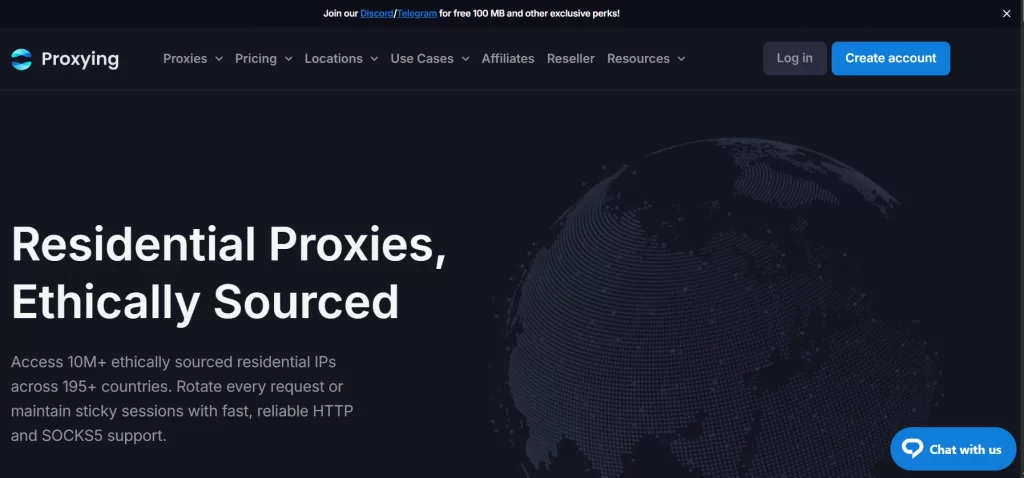
For YouTube-related projects, Proxying is particularly suitable when you need rotating residential IPs, geographic targeting, and a proxy setup that can be integrated into scraping or automation workflows. Its residential proxy network can be used when you need requests to originate from residential IP addresses instead of relying entirely on datacenter infrastructure.
The biggest advantage is value. Users who do not need the enterprise-level infrastructure and pricing of some of the largest proxy providers can get the proxy functionality required for YouTube projects without paying for unnecessary features.
Proxying also supports HTTP(S) and SOCKS5 connections, giving developers flexibility when integrating proxies into browsers, scripts, scraping frameworks, and other applications.
For projects that involve monitoring YouTube search results, collecting public video information, tracking channels, researching competitors, or checking location-dependent content, rotating residential proxies can help distribute requests across different IP addresses.
2. Oxylabs
Oxylabs is one of the strongest choices for organizations running large-scale data collection operations.
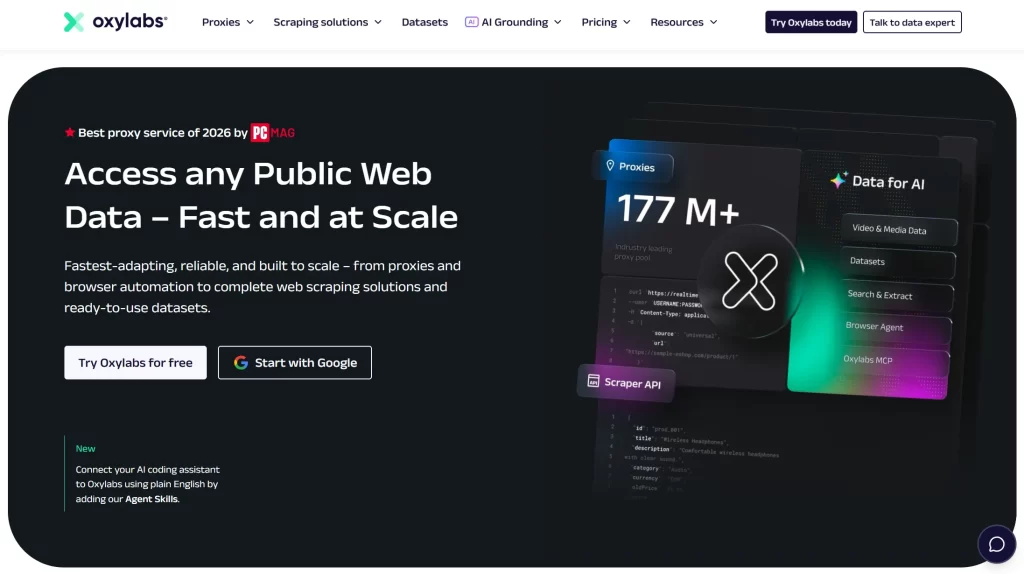
Its residential proxy pool uses real residential IP addresses and is designed for collecting public web data at scale. Oxylabs currently advertises more than 175 million residential IPs and provides country- and city-level targeting.
One advantage of Oxylabs is its mature infrastructure. If you are building a large YouTube monitoring system, running extensive public-data collection, or integrating proxies into an established scraping platform, the additional infrastructure can be valuable.
Oxylabs also provides a free trial. Its current trial policy states that verified companies can receive a seven-day residential proxy trial, while individual clients can receive a three-day trial.
The drawback is cost. Compared with a more value-focused provider such as Proxying, Oxylabs can be harder to justify for smaller projects.
Best for: Enterprises, large-scale data collection, and teams that prioritize network scale over the lowest possible cost.
3. Bright Data
Bright Data is another major provider for users who need a very large proxy network and extensive geographic targeting.
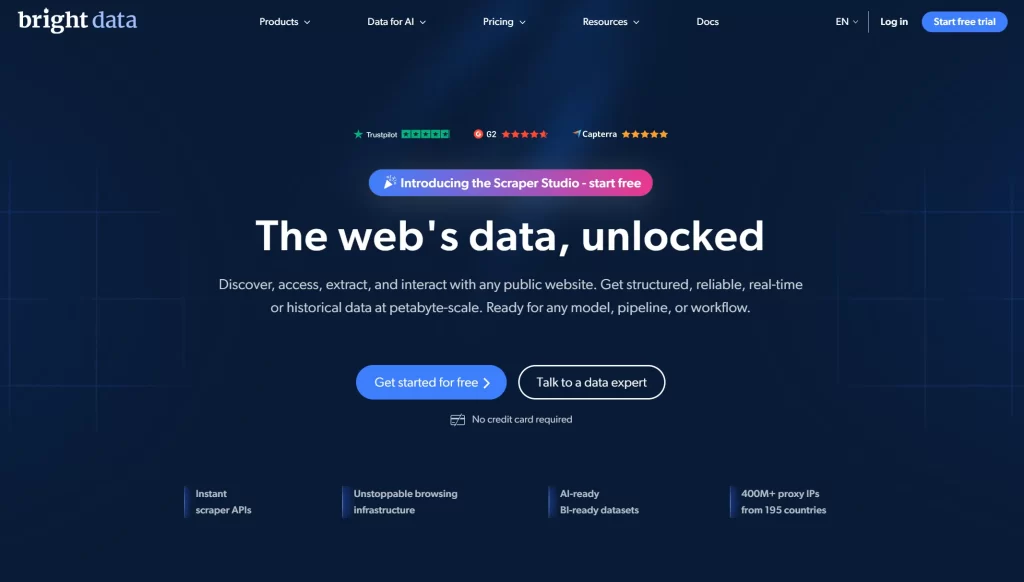
Bright Data currently advertises more than 400 million monthly residential IPs across 195 countries. Its residential network supports country, city, state, and ZIP code targeting.
That geographic coverage can be useful for YouTube projects where location matters. For example, a research team may need to compare how public content or search results appear from different countries.
Bright Data also offers rotating and sticky sessions, which can be useful when your application needs either changing IP addresses or a consistent IP during a session.
Pricing is where Bright Data becomes less attractive for smaller users. Its current residential pricing page lists a pay-as-you-go rate of $4/GB under the displayed promotional pricing, with larger monthly plans available at lower effective rates.
Bright Data does offer a free trial, and its current proxy pages state that no credit card is required for the trial.
Best for: Enterprise users, advanced geographic targeting, and large-scale data infrastructure.
4. ProxyEmpire
ProxyEmpire is worth considering if your YouTube project primarily requires residential IPs and flexible proxy configurations.
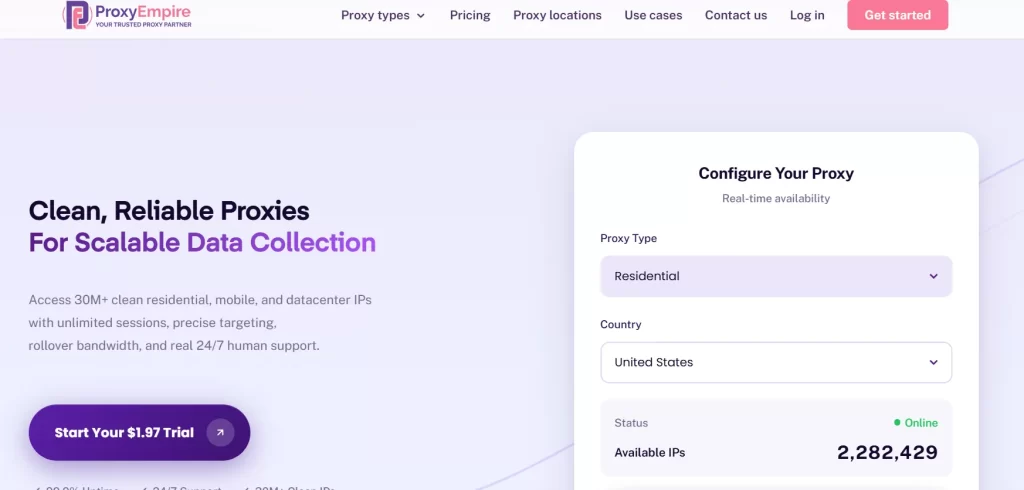
Residential proxies can be useful for automated workflows where maintaining a diverse IP pool is more important than simply getting the cheapest possible connection. They are also a better fit when you want traffic to originate from residential networks.
ProxyEmpire is positioned toward users who need residential proxy access for activities such as web scraping, automation, and location-based research.
The provider’s main advantage is flexibility. Depending on your project, you can configure proxy sessions and locations to match your requirements rather than relying on a single static IP.
For YouTube monitoring, that can be useful when running repeated requests across multiple geographic locations or distributing a larger workload.
Best for: Users who want residential proxy flexibility without moving directly into an enterprise-focused platform.
5. Proxyway Data
Proxyway Data is another option for users researching proxy infrastructure for YouTube and other data-intensive projects.
One thing to keep in mind with Proxyway is that its positioning and product offerings should be evaluated against your specific requirements before purchasing. Proxy products, pricing, bandwidth allowances, and trial conditions can change, so users should verify the current offer before committing.
For YouTube-related projects, the important questions are whether the available network provides the locations you need, whether rotation can be configured appropriately, and whether the connection speed is sufficient for your workload.
Proxyway can make sense for users who are comparing several proxy solutions and want another provider to test against their existing setup.
Best for: Users evaluating different proxy services and looking for another residential proxy option to benchmark.
6. Smart Proxy
Smart Proxy is another provider to consider when residential proxies are the primary requirement.
The main reason residential proxies are relevant to YouTube is that they can provide IP addresses associated with residential networks. This can make them more suitable than basic public or datacenter proxies for workloads where IP reputation and traffic patterns matter.
SmartProxy can be considered for public data collection, automation, monitoring, and other proxy-dependent workflows.
However, the right choice ultimately depends on your actual workload. If you only need occasional access, paying for a large residential network may not be worthwhile. If you are running a high-volume monitoring system, network quality and rotation capabilities become much more important.
Best for: General residential proxy use and users who want an alternative to the larger enterprise providers.
7. SpeedProxies
SpeedProxies rounds out our list for users who place a strong emphasis on connection speed and cost.
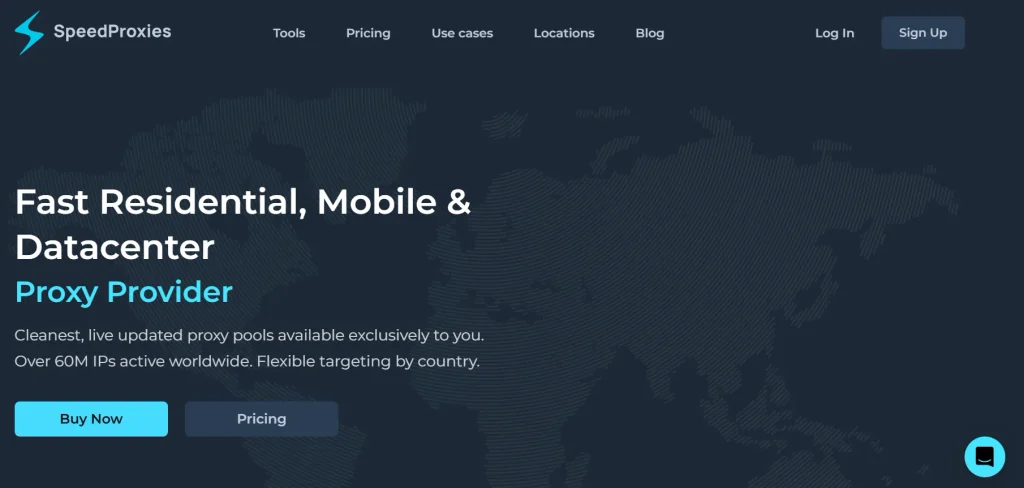
Speed is particularly important for YouTube-related workloads because requests can involve substantial amounts of data. A slow proxy can become a bottleneck even when the target website itself is performing normally.
For simple browsing, a low-cost proxy may be sufficient. For automated monitoring or high-volume public-data collection, however, you should test response times, connection stability, concurrent connection limits, and IP rotation before committing to a long-term plan.
SpeedProxies is therefore worth testing if your main priority is finding a faster, budget-oriented option.
Best for: Users who prioritize speed and affordability.
Residential vs. Datacenter Proxies for YouTube
Choosing between residential and datacenter proxies depends on what you are trying to accomplish.
Datacenter proxies use commercial cloud servers. YouTube flags these business IP addresses instantly. Google’s servers then refuse fast HTTP/3 connections. This forces your video into low 360p resolution. It triggers constant buffering and connection resets
Residential proxies route traffic through home internet routers. YouTube trusts these consumer IP addresses. The platform allows smooth access to local video caches. However, home networks have unstable upload speeds. Your stream can suffer from random frame drops due to sudden packet loss
For large-scale YouTube monitoring, residential proxies are usually the safer starting point when IP diversity and lower detection risk are priorities. For high-speed workloads that do not require residential IPs, datacenter proxies may provide better economics.
You can learn more about the technical differences in our guide on residential vs. datacenter proxies.
Can You Use a Free Proxy for YouTube?
Yes, you can find a proxy for YouTube free of charge, but free proxies are generally a poor choice for serious YouTube projects.
Free proxy lists often provide shared IP addresses with unknown performance and reliability. You may encounter slow connections, frequent failures, limited locations, or IPs that have already been heavily used.
Security is another concern. When you use an unknown free proxy, you have little control over who operates the server or how the traffic is handled.
If you only want to experiment with proxy configuration, a free proxy can demonstrate how proxy routing works. For scraping, monitoring, automation, or repeated YouTube requests, a paid provider is generally the better option.
Our guide on Are Proxies Safe to Use? covers the security considerations in more detail.
What Is the Best Free Proxy for YouTube?
There is no single best free proxy for YouTube that can reliably compete with a quality paid residential network.
Instead of relying on an anonymous free proxy, look for a provider that offers a legitimate trial. This lets you test connection speed, locations, rotation, and compatibility with your workflow before spending money.
For example, Oxylabs currently offers residential proxy trials ranging from three days for individual clients to seven days for verified companies. Bright Data also currently advertises a free trial and says its trial can be started without a credit card.
A trial from an established provider is usually more useful than a random free proxy because you can evaluate the actual service you may eventually pay for.
How to Avoid Blocks When Using Proxies With YouTube
A proxy does not automatically make automated traffic invisible. YouTube can evaluate multiple signals, including request patterns, IP reputation, session behavior, and other technical characteristics.
The best approach is to avoid creating unnecessarily aggressive traffic patterns. Use reasonable request rates, maintain appropriate sessions where required, and rotate IPs when your workflow genuinely needs distributed traffic.
Rotating proxies can distribute requests across multiple IP addresses, which can reduce the concentration of requests on one address. You can learn more about this in How Rotating IP Addresses Helps You Avoid Blocks and Bans.
How We Selected The Best Proxies for YouTube
We started with the top two ranked for these exact keywords, studied every provider they cover, then added Proxying using the same method. That method gave us 6 competitors to compare alongside Proxying itself, 7 providers in total.
These are the factors we used, since these are the most relevant for YouTube streaming:
- Genuine entry cost: The pay-as-you-go rate on the provider’s page, not a time-limited offer, as YouTube streaming takes a lot of GB.
- Real free trial: Whether you can test with real traffic before paying, not just a discount or a refund window after the purchase.
- Session flexibility: Whether both rotating or sticky modes are available, as YouTube streaming needs sticky sessions for longer videos and YouTube scraping needs rotating sessions.
Price and trial availability will be at top because YouTube streaming is bandwidth-heavy, and streamers sometimes need to buy in bulk. Getting billed and evaluated fairly on that basis matters more than pool size.
This is a research-only comparison. We did not run our own bandwidth or success-rate benchmark against each provider. Every performance figure above is the vendor’s own published claim, cited to its source page. No provider paid for placement, and this article contains no affiliate links
Final Verdict
For YouTube streaming and scraping, Proxying scores highest on criteria: entry price and free trial availability, backed by a 99% published success rate. But the right choice still depends on your specific setup and priority.
If you are ready to test residential proxies, you can explore Proxying’s fast residential proxies or compare available plans through Proxying’s proxy pricing.


