

To make your website stand out, you must make sure it functions correctly regardless of the user’s location.
But suppose you live in the USA. How do you know whether the website you developed appears and functions as expected for a user in France? That is why you need to test your own website’s functionality and appearance from other countries.
In this guide, I have highlighted some of the best ways to test websites from another country. From proxies to geo-location changers, you’ll learn the common ways to view your website from any location you want.
Why Test Websites from a Different Country?
First, let’s discuss the benefits of viewing/testing websites from another geographical location:
- To check the loading speed of your website for users located far away from your primary server
- To identify and fix errors that only occur in a specific country
- To verify the prices in different currencies depending on the user’s location
- To analyze SERP results and website competitors in a specific country
- You can change your location to find out if the website loading issue is only specific to your country
- Improving user experience by fixing issues for users in different countries/states
- Verifying whether your website follows country-specific security guidelines and data regulatory laws. For example, you can access your website from a European country to check whether the cookie consent banner and privacy notices are shown to EU visitors (in line with GDPR compliance)
Best Ways to Test Your Website From a Different Country
In this section, I will walk you through the most common location-changing methods/tools.
Proxy
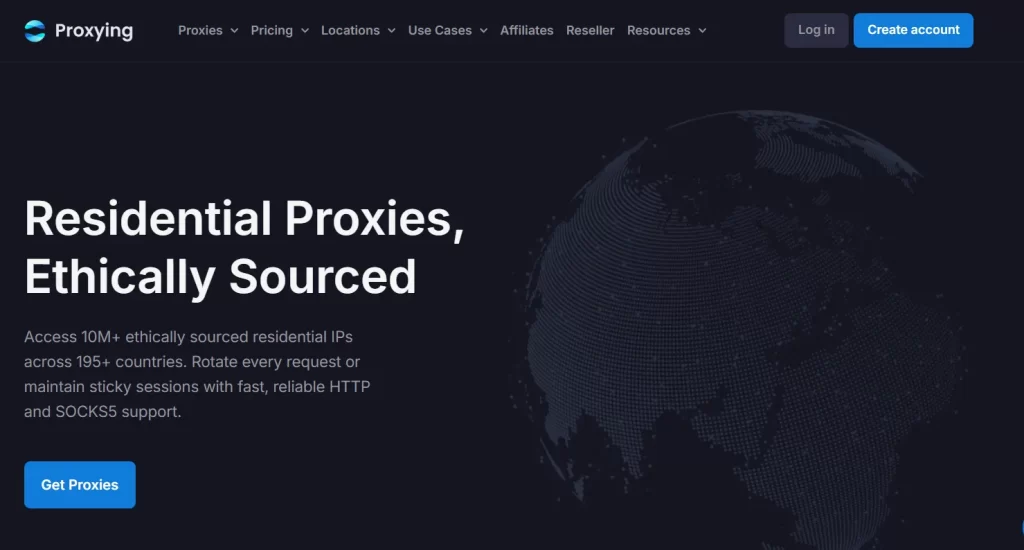
Yes, you can easily change your IP address using a reliable proxy service provider (such as Proxying). This lets you see how your website appears to the target audience in specific geographic locations.
When purchasing a proxy, most proxy service providers allow you to choose a target country, and some also offer more specific location targeting, such as cities or states.
Once you have your proxy, you can configure its settings on your device or in a compatible browser to test websites from any location.
Note: Some popular proxy providers include Proxying, Oxylabs, and IPRoyal.
What Can You Test With a Proxy
- Checking whether your website is accessible from specific countries or regions
- Proxies can also be integrated with specific automation tools to test multiple websites in a shorter duration.
- To analyze location-specific SERP results and perform competitor analysis
Why Choose Proxying for Global Website Testing
If you decide to buy proxies from the Proxying site, you get the following benefits:
- You can test your website across 5+ locations, including France, Brazil, the USA, the UK, and Germany.
- User-friendly interface and easy configuration for non-technical users
- Get discounted prices when purchasing proxies in bulk.
- Pokémon card proxies to test the cards’ availability and prices
- Analyze how your brand appears across different locations
- Ability to monitor location-specific search results
- Free trial mode without requiring credit card information
Virtual Private Network (VPN)
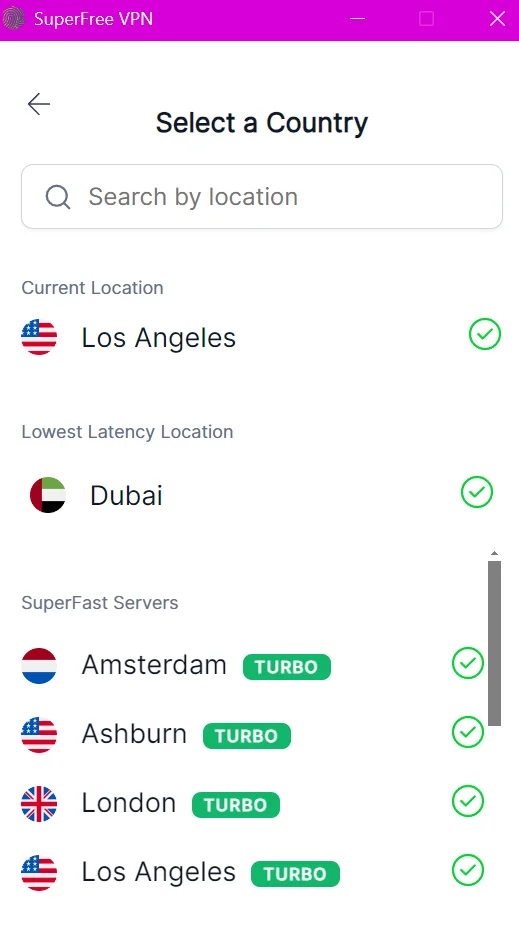
Another common way to test your website is by using a Virtual Private Network (VPN) on your device. VPN applications generally offer servers in multiple countries, allowing you to select a location based on your testing needs.
However, VPNs have some limitations when used to test websites from another country. Also keep in mind that paid VPNs are generally more expensive than proxies. For example, purchasing either ExpressVPN or NordVPN will cost you $14.99 (basic plans).
Limitations of VPN for Global Website Testing
- Premium VPN monthly packages are more expensive than proxies
- Sometimes VPNs assign the same IP address to multiple users. This affects website performance testing
- Routing your traffic through a VPN server can slow down connection speeds. As a result, loading-speed measurements may not be accurate.
- Some VPNs offer country-level locations but don’t allow you to select a specific city or region.
Smart DNS

Here’s the thing: a Smart DNS service does not actually change your IP address. Instead, it redirects certain DNS requests through servers in another geographic location. This can allow you to access location-restricted content and check how your website behaves for users in different regions.
Limitations of Smart DNS for Global Website Testing
- The locations available depend on the Smart DNS provider. This means you are not able to select every country or region you need.
- Smart DNS does not change your public IP address, making it less suitable for testing IP-based restrictions.
- Smart DNS does not encrypt your internet traffic. So it does not guarantee the same level of privacy during website testing as compared to a VPN.
- Since it primarily works by redirecting DNS requests, it may not accurately mimic all website behavior in a specific region.
Cloud Browser
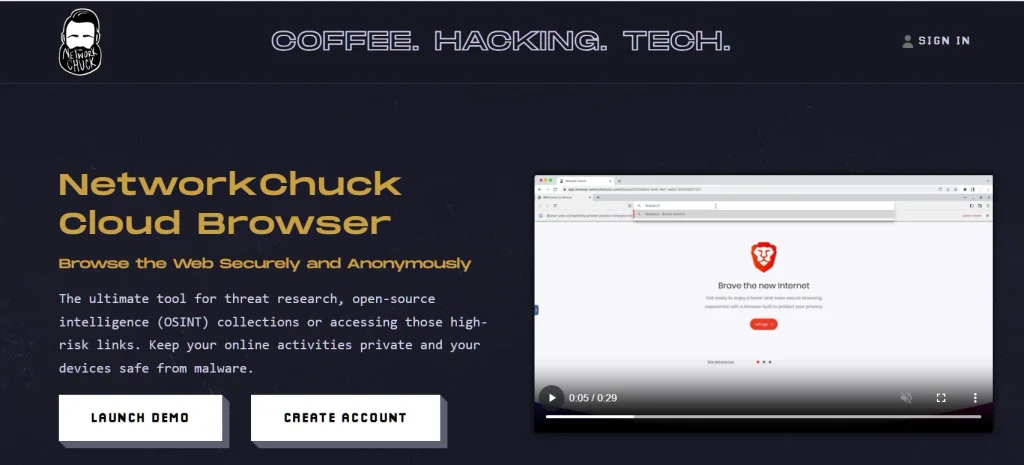
Think of a cloud browser as a type of browser that runs on remote infrastructure, allowing you to test your website globally. Unlike Smart DNS, cloud browsers let you change the location of your choice. Moreover, you can also configure specific proxy servers for the cloud browser installed on your device.
Limitations of Cloud Browser for Global Website Testing
- Cloud browsers are generally expensive for website testing
- The expected latency can slow down website loading speed, which means you cannot accurately judge the performance of the site
- As compared to a VPN or dedicated proxy, you don’t have control over the exact IP address. This means you cannot choose the location of your choice, such as France, for website testing.
Third-Party Tools
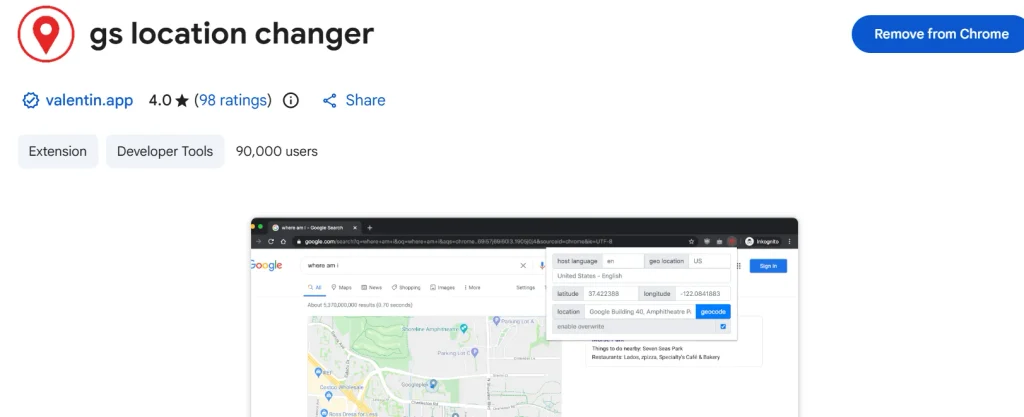
Third-party geolocation changers in the form of extensions are perhaps the most used tools for testing websites from another country.
You can simply install a geolocation changer extension on your browser, enable the extension, and select the location of your choice. This way, you can view and test a website from the perspective of the target audience in that specific geo-location.
Limitations of Third-Party Geo-Location Changers
- Some extensions only simulate a different location without changing your actual IP address.
- As the name suggests, these extensions are browser-specific and may not work if you try testing a website on a different browser. As compared to VPNs and Proxies, these tools don’t change the IP address of your device.
- Third-party location changers might not be able to bypass geo-restrictions for some websites, negatively impacting the website testing process.
Proxy vs VPN vs Smart DNS vs Cloud Browser: Which Method Should You Choose?
To help you make the right decision for website testing, this table will help you understand the difference between each approach.
| Factor | Proxy | VPN | Smart DNS | Cloud Browser |
| Public IP Address Change | Yes | Yes | No | Yes |
| Cost | Low | Comparatively Higher | Low | Higher than proxies |
| Geo-Restrictions Testing | Yes | Yes | No | Yes |
| Data Encryption | No | Yes | No | No |
| Ideal for | Location testing | General user-experience testing | DNS-based location testing | Cross-browser and location testing |
| Example | Proxying | SuperFree VPN | Control D | BrowserStack |


